Most people treat their digital life like a junk drawer. Files land wherever the download button puts them. Apps multiply across screens without a plan. Notifications arrive like uninvited guests. The result is not chaos exactly. It is a low-grade static that makes every task take longer than it should.
The Grid Method is a way to impose order on that static. It borrows from chess-derived decision architecture: the idea that a board, a grid, gives every piece a home and a range of movement. In chess, the board is not decoration. It is the system that makes strategy possible. Your digital life can work the same way.

This article is for people who manage a household, a budget, a calendar, or a small business from a phone and a laptop. It is not about productivity hacks. It is about building a stable grid: a set of fixed positions, clear zones, and predictable moves for the digital objects you touch every day.
What the Grid Method Actually Is
The Grid Method is a spatial system for digital organization. You divide your digital space into zones, just as a chessboard is divided into ranks, files, and squares. Each zone has a purpose. Each file, folder, app, and shortcut has a position. Nothing floats.
In a physical home, you know where the scissors live. You know which drawer holds batteries. The Grid Method applies that same logic to your phone, your computer, your cloud storage, and your email. The goal is not minimalism. The goal is legibility: you can look at your screen and know where everything is, why it is there, and what to do next.
This matters because digital clutter is not just visual. It is cognitive. Every time you search for a file or scroll past fifteen unused apps, you spend a small amount of decision energy. Over a week, that energy adds up. The Grid Method reduces those micro-decisions by making positions automatic.
Why Chess Is a Useful Model
Chess is a game of constrained movement. A bishop moves diagonally. A rook moves in straight lines. A knight moves in an L-shape. The board does not change, but the positions do. That constraint is what makes the game deep. Without the grid, chess would be a pile of pieces.
Your digital life has the same structure. You have a fixed set of tools: email, calendar, notes, files, photos, messages. You have a fixed set of moves: open, save, share, delete, archive. The problem is that most people let the pieces move randomly. They save a file to the desktop one day and to Downloads the next. They keep three note apps and use none of them well.
The Grid Method says: give each piece a square. Then respect the square. When you save a file, it goes to its zone. When you check email, it happens at a set time. When you take a photo, it moves through a set path. The grid makes your moves predictable, which makes your system easier to maintain.
Mapping Your Digital Board
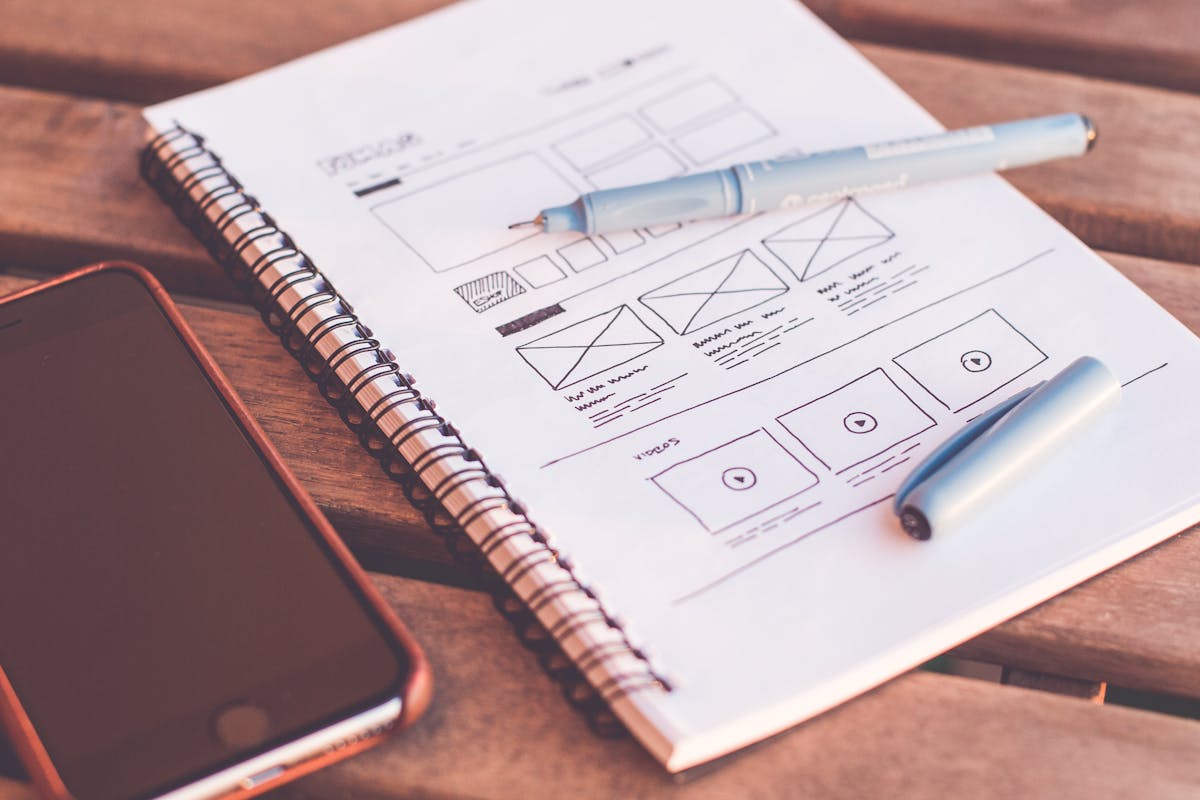
Start with a simple map. Draw a rectangle on paper. Divide it into four zones: Inbox, Working, Reference, Archive. These are the four quadrants of your digital board.
Inbox is where things land. Downloads, new emails, screenshots, photos from your phone. This zone is temporary. It should be empty most of the time.
Working is where active projects live. The document you are editing, the spreadsheet for this month’s budget, the folder for the trip you are planning. This zone is small and current.
Reference is where you keep things you need to look up. Manuals, recipes, tax documents, insurance policies. This zone is stable and searchable.
Archive is where finished things go. Old projects, past years’ photos, closed accounts. This zone is large but rarely touched.
This four-zone map works for files, email, photos, and even browser bookmarks. The names can change, but the logic stays the same: everything has a home, and homes are arranged by how often you visit them.
Applying the Grid to Your Phone
Your phone’s home screen is the most visible grid you own. Most people arrange it by accident. Apps land where the phone puts them. The result is a board with no strategy.
Try this instead. Use a single home screen. Place your four most-used apps in the bottom row: phone, messages, camera, and one other. That is your back rank, the row you can always reach without thinking.
Above that, place your working apps: email, calendar, notes, banking. These are the pieces you move every day. Keep them in fixed positions. Do not let them drift.
Everything else goes into a folder or a second screen. That is your archive. You visit it rarely, and that is fine. The point is that your main screen shows only what you need for daily moves.
This sounds small. It is not. A clean home screen changes how you use your phone. You stop opening apps out of boredom because the grid does not invite random movement. You open what you need and then you close it.
Applying the Grid to Files and Folders
File organization is where most digital systems collapse. People create folders with good intentions, then save files to the desktop because it is faster. Six months later, the desktop is a graveyard of screenshots and half-finished documents.
The Grid Method fixes this with a simple rule: every file has a square, and the square is decided before you save.
Set up four top-level folders on your computer and in your cloud storage: Inbox, Working, Reference, Archive. That is the board. Inside each folder, create subfolders only when you need them. Do not create a folder for every possible future file. Create folders for the files you actually have.
When you download a file, it goes to Inbox. Once a week, move files from Inbox to their proper zones. This is the equivalent of resetting the board after a game. It takes ten minutes. It keeps the system from decaying.
For active projects, use the Working folder. Create one subfolder per project. When the project ends, move the whole folder to Archive. Do not leave finished projects in Working. They clutter the board and make it harder to see what is actually current.
Applying the Grid to Email
Email is the most chaotic square on the board. Most people have thousands of unread messages, dozens of folders, and a vague sense of dread every time they open the app.
The Grid Method treats email like a game with three moves: read, reply, archive. That is it. You do not need forty folders. You need three: Inbox, Action, Archive.
Inbox is for new mail. It should be empty by the end of each day. Not because you answered everything, but because you moved everything.
Action is for messages that require a response or a task. This is your working zone. It should be small: five to ten messages at most. If it grows larger, you are not making moves; you are hoarding pieces.
Archive is for everything else. Receipts, confirmations, newsletters you might read later. Archive is searchable, so you do not need to sort it. You just need to get it off the board.
This system works because it respects the grid. Email is not a to-do list. It is a board. You move pieces across it, and then you reset it.
Applying the Grid to Photos
Photos are the hardest digital object to organize because they arrive in bulk. A single weekend can produce two hundred images. Most people never sort them. They just scroll back through years of pictures, hoping to find the one they want.
The Grid Method does not ask you to tag every photo. That is a losing game. Instead, it asks you to create a simple path: capture, cull, keep, archive.
When you take photos, they go to your phone’s camera roll. That is the Inbox. Once a month, spend twenty minutes culling. Delete the blurry ones, the duplicates, the screenshots of things you no longer need. This is the most important move. Culling is what keeps your photo library from becoming a swamp.
Then move the keepers to a folder or album by month and year. That is your Archive. If you want a few favorites for quick access, put them in a Working album called “Current.” But do not try to organize every photo into a hundred themed albums. The grid is about position, not perfection.
Applying the Grid to Personal Finance
Money is a digital object now. It moves through apps, accounts, and spreadsheets. Most people track it the way they track files: by accident. They check their balance when they are anxious, not when they are planning.
The Grid Method gives money a board. Create four accounts or four categories: Income, Fixed Costs, Flexible Spending, Savings. That is the grid. Every dollar that comes in moves to one of those squares.
Income is where money lands. It is the Inbox. From there, it moves to the other zones.
Fixed Costs are the bills that do not change: rent, utilities, insurance. These are your back rank. They must be covered before anything else moves.
Flexible Spending is for groceries, gas, entertainment. This is your working zone. It is where you make daily decisions.
Savings is your archive. Money goes there and stays. You visit it rarely, but it gives the whole board stability.
This is not a budgeting app. It is a way of seeing. When money has a position, you can see at a glance whether you are overextended in one zone or underfunded in another. The grid makes your finances legible.
The Weekly Reset
Every system decays without maintenance. The Grid Method is no exception. Files drift. Emails pile up. Photos accumulate. The fix is a weekly reset: a short, scheduled time when you move pieces back to their squares.
Pick a day and a time. Sunday evening works for many people. Set a timer for thirty minutes. Then do the following:
- Clear your Downloads folder and your email Inbox.
- Move finished projects from Working to Archive.
- Cull new photos from the past week.
- Check your four money zones and move any stray dollars.
- Delete or file anything on your desktop.
That is the whole reset. It is not glamorous. It is the digital equivalent of sweeping the floor. But it is what keeps the grid from turning back into a junk drawer.
The weekly reset is also a moment of review. You can see what accumulated, what you avoided, and what needs attention. In chess terms, it is the moment between games when you reset the board and look at the position you are in.
Common Failure Modes
The Grid Method fails in predictable ways. Knowing them in advance helps you avoid them.
Overbuilding the grid. Some people create fifty folders, twelve email labels, and a color-coded calendar. Then they spend more time maintaining the system than using it. The grid should be simple. Four zones. A few fixed positions. If you need a manual to use your own system, it is too complex.
Ignoring the Inbox. The Inbox is the most important square on the board. If you let it overflow, the whole system backs up. The weekly reset exists to keep the Inbox empty. Do not skip it.
Mixing zones. Saving a work file to your personal Reference folder, or keeping a finished project in Working, is like putting a rook on a bishop’s square. It still looks like a piece, but it cannot move the way it should. Respect the zones.
Perfectionism. You will not organize every photo. You will not answer every email. The grid is not about perfection. It is about reducing the cost of finding things. A system that is 80% organized is infinitely better than a system that is 0% organized because you were waiting to do it perfectly.
What the Grid Method Gives You
The Grid Method is not a productivity system. It is a decision architecture. It reduces the number of small choices you have to make every day, so you have more energy for the choices that matter.
When your digital life is organized, you stop dreading your inbox. You stop losing files. You stop feeling guilty about your photo library. You stop checking your bank balance with a knot in your stomach. The grid gives you a sense of position: you know where you are, what you have, and what to do next.
That is what a chessboard does for a player. It does not make the moves for you. It just makes the moves visible. The Grid Method does the same for your digital life. It makes the board legible, so you can play the game you actually want to play.

Frequently Asked Questions
How is the Grid Method different from a regular folder system?
A regular folder system is usually a list of categories. The Grid Method is a spatial map with four zones: Inbox, Working, Reference, Archive. The difference is movement. In a folder system, files sit. In a grid, files move from zone to zone on a schedule. The grid is about position and flow, not just storage.
Do I need special software to use the Grid Method?
No. The Grid Method works with the tools you already have: your computer’s file system, your email app, your phone’s home screen, and a basic spreadsheet or notebook for money. The system is the grid, not the software. You can use cloud storage or local folders. The key is consistency, not technology.
What if I have too many files to sort through?
Start with the Inbox. Do not try to sort your entire archive in one weekend. Set up the four zones, then move only the files you touch this week. Over time, the grid will absorb the backlog. The goal is to stop adding to the chaos first, then gradually clear what is already there.
How often should I do the weekly reset?
Once a week is enough for most people. If you have a high-volume job or a busy household, you might do a shorter reset twice a week. The important thing is that the reset is scheduled and short. Thirty minutes is the target. If it takes longer, your grid is probably too complex.
Can the Grid Method work for a shared household?
Yes, but it requires agreement. Everyone in the household needs to know the zones and respect them. A shared calendar, a shared cloud folder, and a shared budget spreadsheet can all use the four-zone structure. The grid works best when the rules are simple enough for everyone to follow without a meeting.